
Display App
Turn Any TV Into a Camera Monitor
Install the Video Armed Display app on any smart TV. Pair with a QR code. Cameras appear instantly. No subscriptions, no cloud streaming, no bandwidth charges.
Supported Platforms
One app, every major TV platform.
Android TV
Sony, TCL, Hisense, Philips, and more
Amazon Fire TV
Fire TV Stick, Cube, and Fire TV Edition TVs
Apple TV
Apple TV HD and Apple TV 4K
Google TV
Chromecast with Google TV and Google TV devices
Roku
Roku Express, Streaming Stick, Ultra, and Roku TVs
On supported devices, individual camera streams are decoded natively for the lowest possible latency. Other devices use a server-rendered composite stream.
Easy Setup
Install the App
Download from your TV's app store or sideload directly.
Pair with QR Code
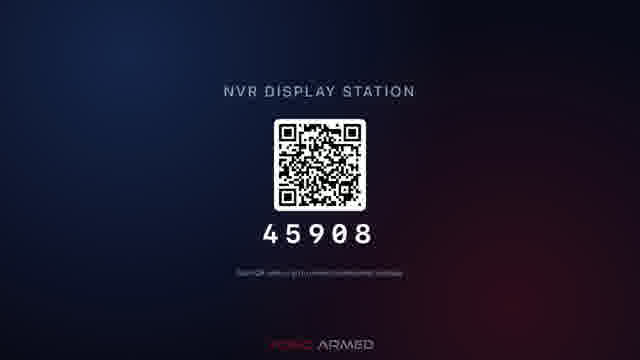
The app displays a pairing code and QR. Scan it or enter the code in Video Armed Connect.
Cameras Appear
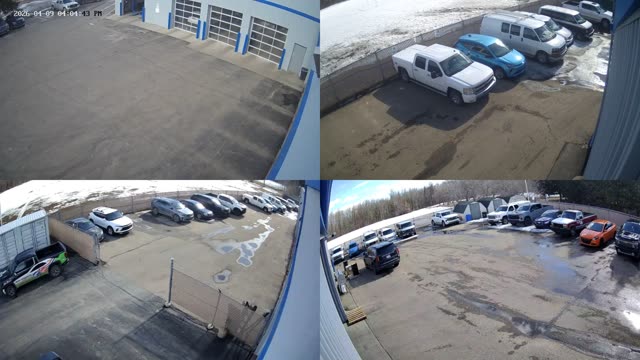
Select which cameras to display. The TV streams directly from the NVR on the local network.
Built for 24/7 Display
Auto-Start on Boot
Power outage? The TV boots right back into camera display mode. No interaction needed.
Local Streaming Only
Video streams directly from the NVR on the LAN. No cloud, no bandwidth cost, sub-second latency.
Fullscreen Kiosk Mode
No status bars, no notifications, no screensaver. Just cameras, edge-to-edge.
Picture-in-Picture Alerts
Doorbell rings or motion alerts pop up as a PiP overlay without interrupting the main camera grid.
Common deployments
Interested in the Display App?
The TV Display app is currently in beta. Contact us for early access.
Request Early Access